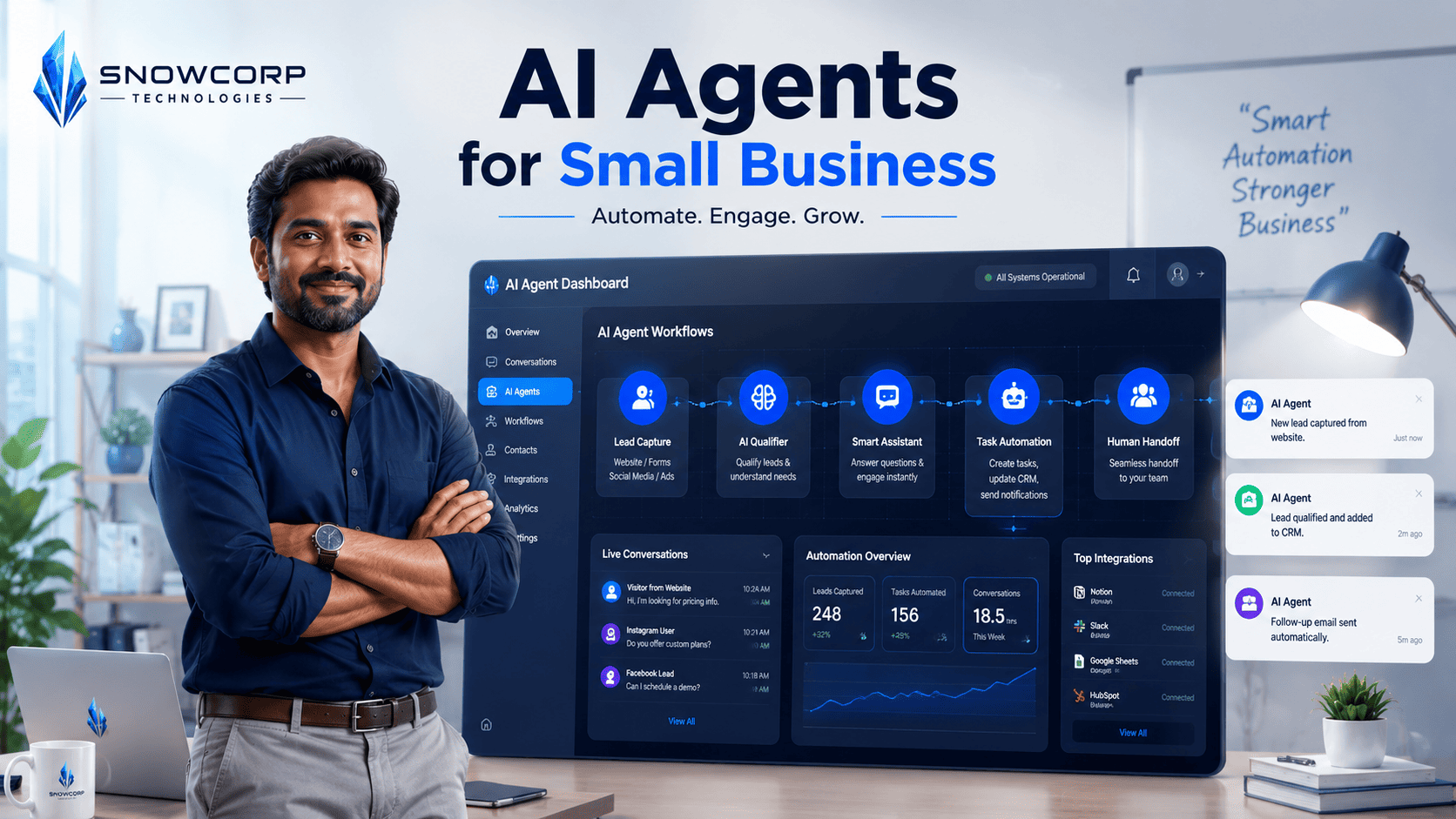
AI Agents for Small Business: A Practical Implementation Guide
Posted on August 24, 2026 • 7 minutes • 1316 words
AI Agents for Small Business: A Practical Implementation Guide
Artificial intelligence isn’t just for tech giants anymore. Small businesses across India are using AI agents to handle customer queries, qualify leads, and automate routine operations—often without hiring a single developer.
If you’re running a small or mid-sized business and wondering where to start with AI, this guide will walk you through a practical, budget-friendly implementation plan.
What is an AI Agent?
An AI agent is a software program that can perceive its environment, make decisions, and take actions to achieve specific goals. Unlike simple chatbots that follow rigid scripts, AI agents can:
- Understand natural language queries
- Access your business data (CRM, orders, inventory)
- Make context-aware decisions
- Learn from interactions to improve over time
Think of it as a digital employee that works 24/7, never takes a break, and handles repetitive tasks so your human team can focus on high-value work.
Why Small Businesses Need AI Agents Now
The economics have shifted dramatically in 2026:
- Cost: Open-source models and no-code platforms have reduced implementation costs by 80% compared to 2023
- Speed: You can deploy a working agent in days, not months
- Accessibility: Tools like n8n, LangChain, and Llama make it possible for non-developers to build agents
For small businesses, the ROI is compelling:
- Reduce customer support response time from hours to seconds
- Qualify 3x more leads without adding sales staff
- Automate 30-40% of routine operational tasks
Step 1: Identify High-Impact Use Cases
Not every process needs an AI agent. Start with tasks that are:
- Repetitive: Happens daily or multiple times per week
- Rule-based: Follows clear decision logic
- Time-consuming: Takes significant human hours
- Low-risk: Mistakes have minimal business impact
Best Use Cases for Small Businesses
Customer Support Agent
- Answers FAQs about products, pricing, delivery
- Handles order status inquiries
- Escalates complex issues to human agents
Lead Qualification Agent
- Engages website visitors instantly
- Asks qualifying questions (budget, timeline, needs)
- Scores leads and routes hot prospects to sales
Operations Agent
- Monitors inventory levels and sends reorder alerts
- Generates daily/weekly business reports
- Sends payment reminders to customers
Content Agent
- Drafts social media posts from blog content
- Creates product descriptions at scale
- Summarizes customer feedback for product team
Step 2: Choose Your Tech Stack
You don’t need to build everything from scratch. Here’s a practical stack for small businesses:
Option A: No-Code Route (Fastest)
- Platform: n8n, Zapier, or Make
- AI Model: ChatGPT API, Claude, or Llama (self-hosted)
- Integration: Google Sheets, WhatsApp Business API, your CRM
- Cost: ₹5,000-15,000/month
- Timeline: 1-2 weeks
Option B: Low-Code Route (More Control)
- Framework: LangChain or CrewAI
- AI Model: Llama 3 (self-hosted) or GPT-4
- Backend: Node.js/Python with Express/FastAPI
- Database: PostgreSQL or MongoDB
- Cost: ₹10,000-25,000/month (mostly hosting)
- Timeline: 3-4 weeks
Option C: Custom Build (Maximum Flexibility)
- Full Stack: MERN (MongoDB, Express, React, Node.js)
- AI Integration: Custom agent architecture with RAG
- Deployment: Docker on AWS/DigitalOcean
- Cost: ₹50,000+ one-time + ₹15,000/month hosting
- Timeline: 6-8 weeks
For most small businesses, we recommend starting with Option A to validate the concept, then migrating to Option B as usage grows.
Step 3: Design Your Agent Workflow
Before writing any code, map out the agent’s decision flow: User Query → Intent Classification → Data Lookup → Response Generation → Action (if needed)
Example: Customer Support Agent Flow
- Receive query via WhatsApp or website chat
- Classify intent: Order status? Product info? Complaint?
- Fetch data: Query database/CRM for relevant info
- Generate response: Use AI to craft natural language answer
- Take action: If complaint, create ticket; if order issue, notify ops team
- Log interaction: Store conversation for analytics and training
Example: Lead Qualification Agent Flow
- Engage visitor: “Hi! I noticed you’re interested in [product]. Can I help?”
- Ask qualifying questions:
- “What’s your budget range?”
- “When do you need this implemented?”
- “How many users will need access?”
- Score lead: Based on budget, timeline, company size
- Route accordingly:
- Hot lead (score > 8): Instant notification to sales team
- Warm lead (score 5-8): Add to email nurture sequence
- Cold lead (score < 5): Send educational content monthly
Step 4: Build and Test
Minimum Viable Agent (MVA) Checklist
Your first version should:
- ✅ Handle at least 5 common query types accurately
- ✅ Escalate to human when confidence < 70%
- ✅ Log all interactions for review
- ✅ Work on at least one channel (WhatsApp, website, or email)
- ✅ Have clear fallback messages (“Let me connect you to a human”)
Testing Protocol
Before going live:
- Internal testing: Have your team ask 50+ varied questions
- Edge case testing: Try ambiguous, multi-part, and out-of-scope queries
- Load testing: Simulate 10-20 concurrent conversations
- Human review: Manually review 100+ conversations for accuracy
Step 5: Deploy and Monitor
Deployment Best Practices
- Start with one channel: Don’t launch on WhatsApp, website, and email simultaneously
- Set clear expectations: Tell users they’re talking to an AI assistant
- Provide escape hatch: Always offer “Talk to human” option
- Monitor daily: Review conversations, especially escalations
Key Metrics to Track
- Resolution rate: % of queries solved without human intervention
- Average response time: Should be < 5 seconds
- Customer satisfaction: Post-chat ratings (if applicable)
- Escalation rate: % of conversations transferred to humans
- Cost per conversation: Compare to human agent cost
Common Pitfalls to Avoid
1. Over-automation
Don’t try to automate everything at once. Start with one use case, prove ROI, then expand.
2. Ignoring Data Quality
AI agents are only as good as the data they access. Clean your CRM, update FAQs, and document processes before building.
3. No Human Oversight
Even the best agents make mistakes. Have a human review escalations daily and retrain the model weekly.
4. Underestimating Change Management
Your team might resist AI agents. Involve them in design, show how it reduces their workload, and provide training.
Real-World Example: Food Delivery App in Biaora
At Snowcorp, we built an AI agent for a food delivery app that:
- Handles 60% of customer queries without human intervention
- Qualifies restaurant leads and schedules onboarding calls
- Sends automated order updates via WhatsApp
- Generates daily reports on orders, revenue, and top items
Results after 3 months:
- Customer support tickets reduced by 45%
- Lead response time dropped from 4 hours to 2 minutes
- Sales team closes 30% more deals (more qualified leads)
- Monthly operational cost saved: ₹35,000
Getting Started: Your 30-Day Plan
Week 1-2: Discovery
- Document 3-5 high-impact use cases
- Map current workflows and decision points
- Choose tech stack and set up development environment
Week 3-4: Build MVA
- Develop agent for one use case
- Test internally with team
- Refine based on feedback
Week 5-6: Pilot Launch
- Deploy to 10-20 real users
- Monitor conversations daily
- Iterate based on real usage patterns
Week 7-8: Scale
- Add more use cases
- Expand to additional channels
- Optimize for cost and performance
How Snowcorp Can Help
At Snowcorp Technologies, we’ve helped dozens of small businesses implement AI agents that:
- Reduce operational costs by 30-40%
- Improve customer response times from hours to seconds
- Scale operations without proportional hiring
Whether you need a simple WhatsApp bot or a full AI-powered customer support system, we can design and build something that fits your budget and workflows.
Ready to get started? Contact us on our website with a brief description of your business and the processes you’d like to automate. We’ll suggest a tailored implementation plan.
Final Thoughts
AI agents aren’t a futuristic concept—they’re a practical tool available to small businesses today. The key is to start small, focus on high-impact use cases, and iterate based on real usage.
You don’t need a large budget or a technical team. You need a clear understanding of your workflows, the right tools, and a willingness to experiment.
The businesses that adopt AI agents now will have a significant advantage in efficiency, customer experience, and scalability. The question isn’t whether you can afford to implement AI—it’s whether you can afford not to.
Have questions about implementing AI agents in your business? Drop a comment below or reach out to us directly. We’re happy to share what we’ve learned building these systems for clients across India.