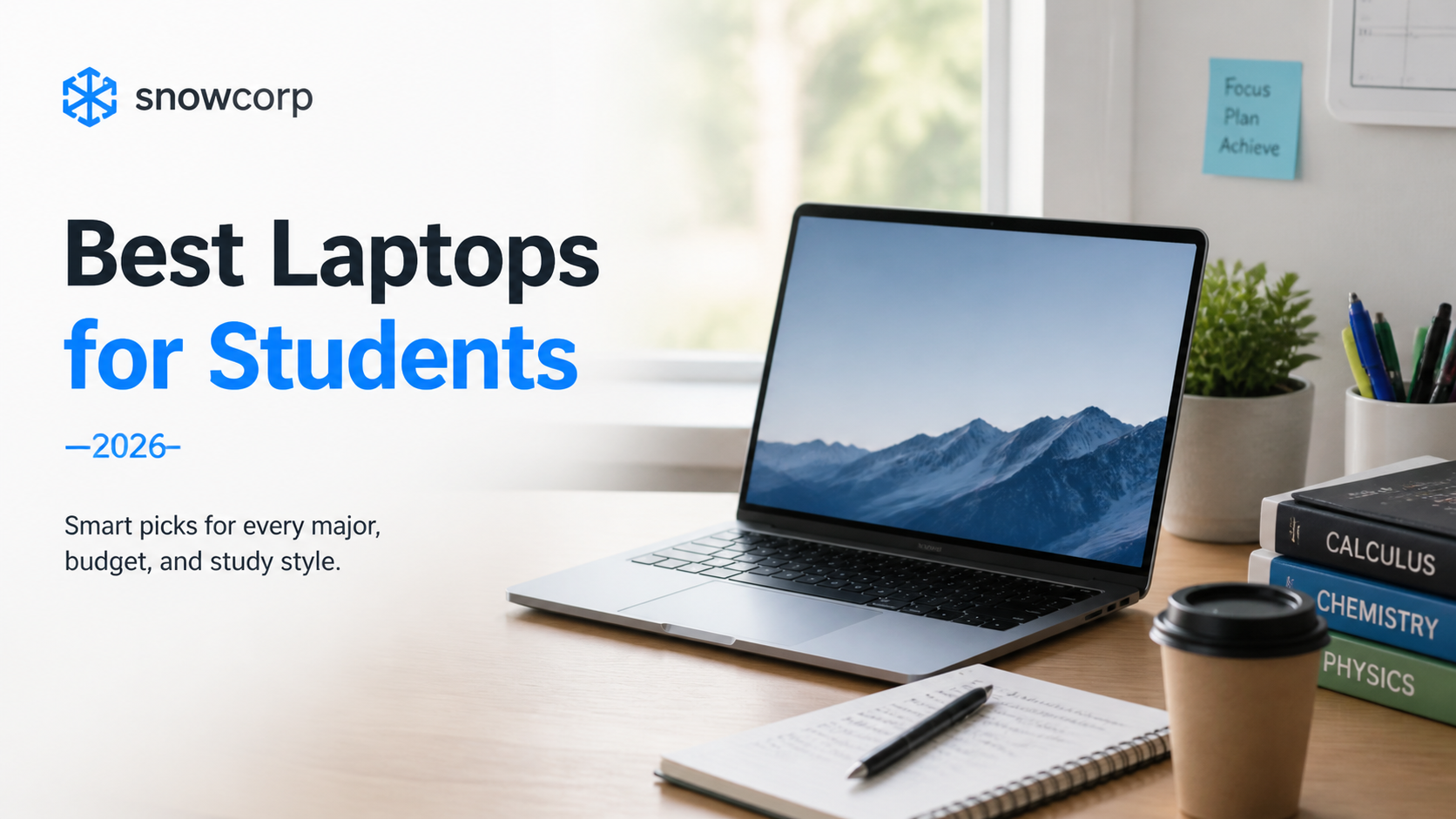
The Best Laptops for Students in 2026: A Practical Buying Guide
Posted on May 13, 2026 • 2 minutes • 405 words
Table of contents
Disclosure: As an Amazon Associate, Snowcorp earns from qualifying purchases.
Choosing a laptop as a student in 2026 is not just about buying the most powerful machine. It is about finding the right balance of performance, battery life, portability, and price.
This guide helps students and parents understand what actually matters before buying a laptop for school, college, coding, design, or engineering work.
What matters most
Focus on these five things first:
- Processor: Intel Core i5, AMD Ryzen 5, or Apple M-series is the safe starting point for most students.
- RAM: 8 GB is the minimum; 16 GB is the better long-term choice.
- Storage: Choose SSD storage, ideally 512 GB.
- Battery life: Aim for a laptop that can comfortably last through classes and study sessions.
- Weight: A lightweight 13-inch or 14-inch laptop is easier to carry every day.
Best choice by student type
General school and college use
If the laptop will mainly be used for online classes, browsing, assignments, documents, and video calls, these specs are enough:
- Intel Core i3 / Ryzen 3 or better
- 8 GB RAM
- 256 GB or 512 GB SSD
- Full HD display
Affiliate-ready search link:
Coding and engineering students
Students using IDEs, compilers, Docker, Android Studio, or simulation tools should step up to better specs:
- Intel Core i5 / Ryzen 5 or better
- 16 GB RAM recommended
- 512 GB SSD
- Good keyboard and cooling
Affiliate-ready search link:
Design and creative students
Students using Photoshop, Illustrator, video editing tools, or 3D software should prioritize RAM, display quality, and graphics performance.
Recommended starting point:
- Intel Core i7 / Ryzen 7 / Apple M-series
- 16 GB RAM or more
- 512 GB SSD or more
- High-quality display
Affiliate-ready search link:
Buying tips before checkout
- Do not buy an HDD-based laptop just because it is cheaper.
- Check the keyboard, port selection, and real-world battery reviews.
- Avoid paying extra for features you will never use.
- If possible, buy something that will still feel usable after 3 to 5 years.
Final checklist
Before buying, make sure the laptop:
- Matches the student’s course and workload.
- Has at least 8 GB RAM.
- Uses SSD storage.
- Is portable enough for daily travel.
- Fits the total budget, including accessories.
A good student laptop should feel dependable, not flashy. The best pick is usually the one that stays fast, light, and reliable throughout the academic year.