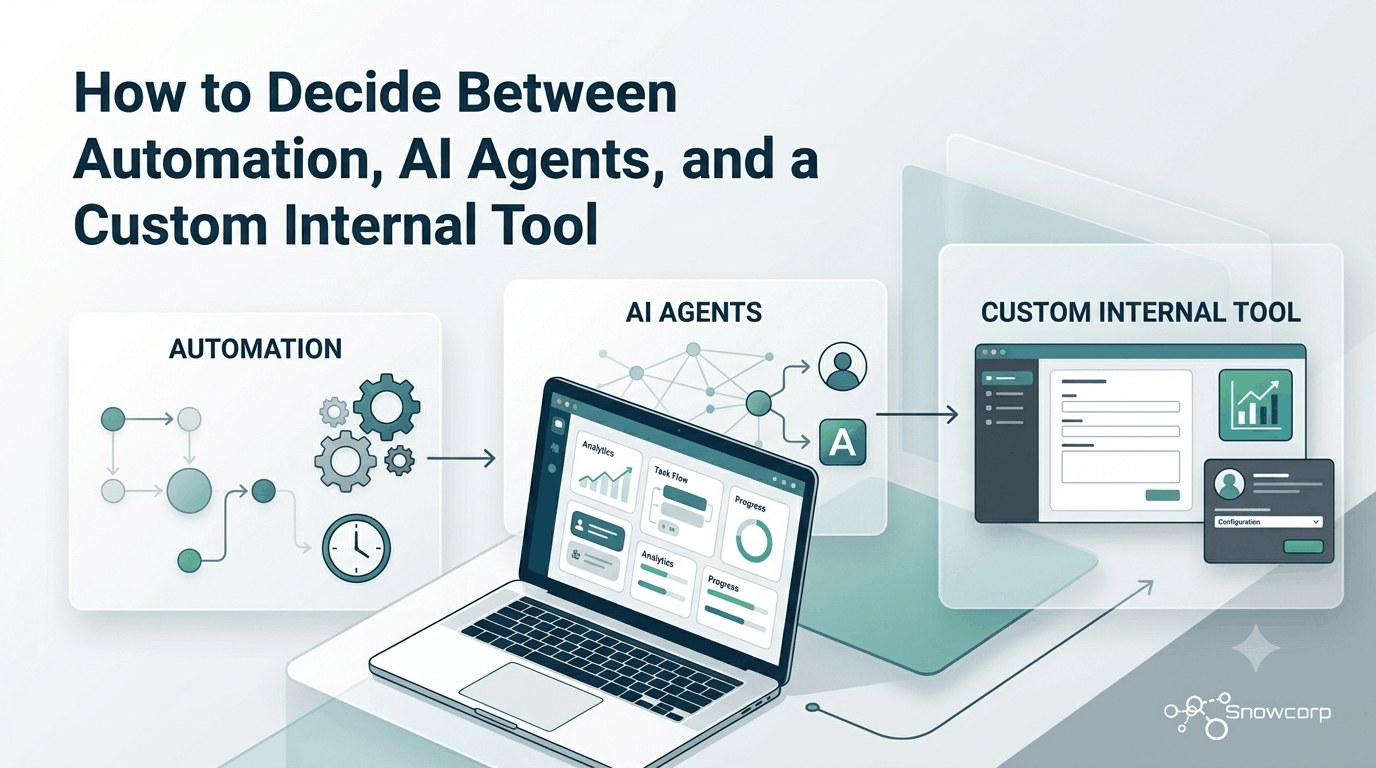
How to Decide Between Automation, AI Agents, and a Custom Internal Tool
Posted on June 29, 2026 • 6 minutes • 1103 words
Growing businesses usually hit the same wall in different ways. Work starts living in spreadsheets, approvals get buried in chat, data is copied across tools, and the team spends too much time doing tasks that should already be streamlined.
At that point, many teams ask the wrong question: Should we use AI? The better question is simpler: what kind of problem are we actually trying to solve?
In most cases, the answer falls into one of three buckets:
- Basic automation, when the process is repetitive and rule-based.
- AI agents, when the work includes unstructured inputs, drafting, classification, or decision support.
- A custom internal tool, when your team needs one place to manage operations, approvals, records, and workflows around the way your business actually works.
This guide will help you decide which option makes sense, when to combine them, and what signs tell you it is time to stop patching things together.
Start with the workflow, not the technology
Before choosing a solution, map the workflow in plain language.
Ask:
- Where does the work start?
- Who touches it?
- What information is needed at each step?
- What decisions are based on fixed rules, and what decisions require judgment?
- Where do delays, rework, and mistakes usually happen?
This exercise often reveals that the real issue is not a lack of tools. It is a lack of clarity, ownership, and system flow.
For example, a sales team may think they need an AI assistant, but the bigger problem may be that lead handoff happens across forms, WhatsApp, email, and spreadsheets with no single source of truth. In that case, better process design or a lightweight internal tool may create more value than AI alone.
When basic automation is the right choice
Automation is the best first step when the work is repetitive, predictable, and based on clear rules.
Good candidates include:
- Sending alerts when a form is submitted.
- Creating tasks when a deal reaches a stage.
- Moving data from one system to another.
- Generating invoices, status messages, or reminders.
- Routing requests to the right person based on fixed conditions.
If your team already knows the exact steps and only needs to remove manual repetition, automation is usually the fastest and most cost-effective option.
Signs automation is enough
- The inputs are structured.
- The output is consistent.
- The business rules rarely change.
- Errors happen because people forget steps, not because the problem is complex.
- You do not need a new interface for the team.
A strong automation setup can save hours every week without forcing the business into a bigger software project too early.
When AI agents make sense
AI agents are useful when the workflow includes language, documents, classification, summarization, drafting, or assistance across messy inputs.
Examples include:
- Reading inbound emails and categorizing requests.
- Drafting responses based on internal knowledge.
- Extracting information from documents.
- Summarizing meeting notes or support conversations.
- Assisting teams with research, content preparation, or internal knowledge retrieval.
The key difference is that AI handles variability better than fixed-rule automation. But that does not mean it should run without boundaries.
Signs AI agents are a fit
- The team deals with unstructured text, files, or conversations.
- The output benefits from interpretation, summarization, or drafting.
- Human review is acceptable or required.
- The workflow changes too often for rigid rule-based logic alone.
- Speed matters, but perfect consistency is not always necessary.
AI agents work best when they support people inside a defined workflow. They are usually weakest when businesses expect them to replace process design.
When a custom internal tool is the better investment
A custom internal tool becomes the right move when your business needs a system of operations, not just disconnected automations.
This usually happens when:
- Multiple departments touch the same workflow.
- Information lives in too many places.
- Approvals, assignments, and status updates are hard to track.
- Off-the-shelf tools force awkward workarounds.
- Leadership lacks visibility into what is moving, stuck, delayed, or overdue.
An internal tool gives your team one shared place to manage work. That can include dashboards, workflow states, permissions, search, approvals, audit history, and integrations with the tools you already use.
Signs it is time to build
- Your team uses spreadsheets as a database.
- Important operations depend on one or two people remembering manual steps.
- You are paying for several tools but still lack visibility.
- Teams are duplicating data across apps.
- Process exceptions are common and current tools cannot handle them cleanly.
- Managers spend too much time chasing updates instead of making decisions.
At this stage, custom software is not just about convenience. It becomes a way to reduce operational friction and create a more reliable foundation for growth.
A simple decision framework
Use this rule of thumb:
| If your problem is mostly… | Best next step |
|---|---|
| Repetitive and rule-based | Automation |
| Language-heavy and variable | AI agents |
| Cross-functional and operational | Custom internal tool |
In many businesses, the best answer is not one or the other.
A strong setup often looks like this:
- An internal tool becomes the operational backbone.
- Automation handles repetitive triggers and system updates.
- AI agents assist with drafting, classification, search, and decision support.
That combination is often more realistic than trying to force one technology to solve every problem.
Common mistake: solving symptoms instead of systems
Many teams buy software or experiment with AI because they feel pressure to move fast. But adding more tools on top of a messy workflow usually creates more complexity, not less.
If the handoffs are unclear, the ownership is fuzzy, and the data is fragmented, new technology will only hide the problem for a while.
The smarter approach is:
- Audit the workflow.
- Identify repetitive steps.
- Separate rule-based work from judgment-based work.
- Decide what should be automated, what should be AI-assisted, and what needs a proper internal system.
- Build in phases.
This approach lowers risk and makes every investment more useful.
What growing teams should do next
If your operations are becoming harder to manage, start by reviewing one important workflow end to end. That could be lead handling, client onboarding, service delivery, approvals, support operations, or internal reporting.
Look for the real source of friction:
- Is the problem too much manual repetition?
- Is it messy information that people struggle to process quickly?
- Or is it the absence of a central system built for your workflow?
Once that is clear, the next decision becomes easier.
The goal is not to chase trends. It is to build a workflow stack that helps your team move faster, make fewer mistakes, and scale with less chaos.
If your business is deciding between automation, AI agents, and custom software, the right answer usually starts with understanding your process before choosing the technology.