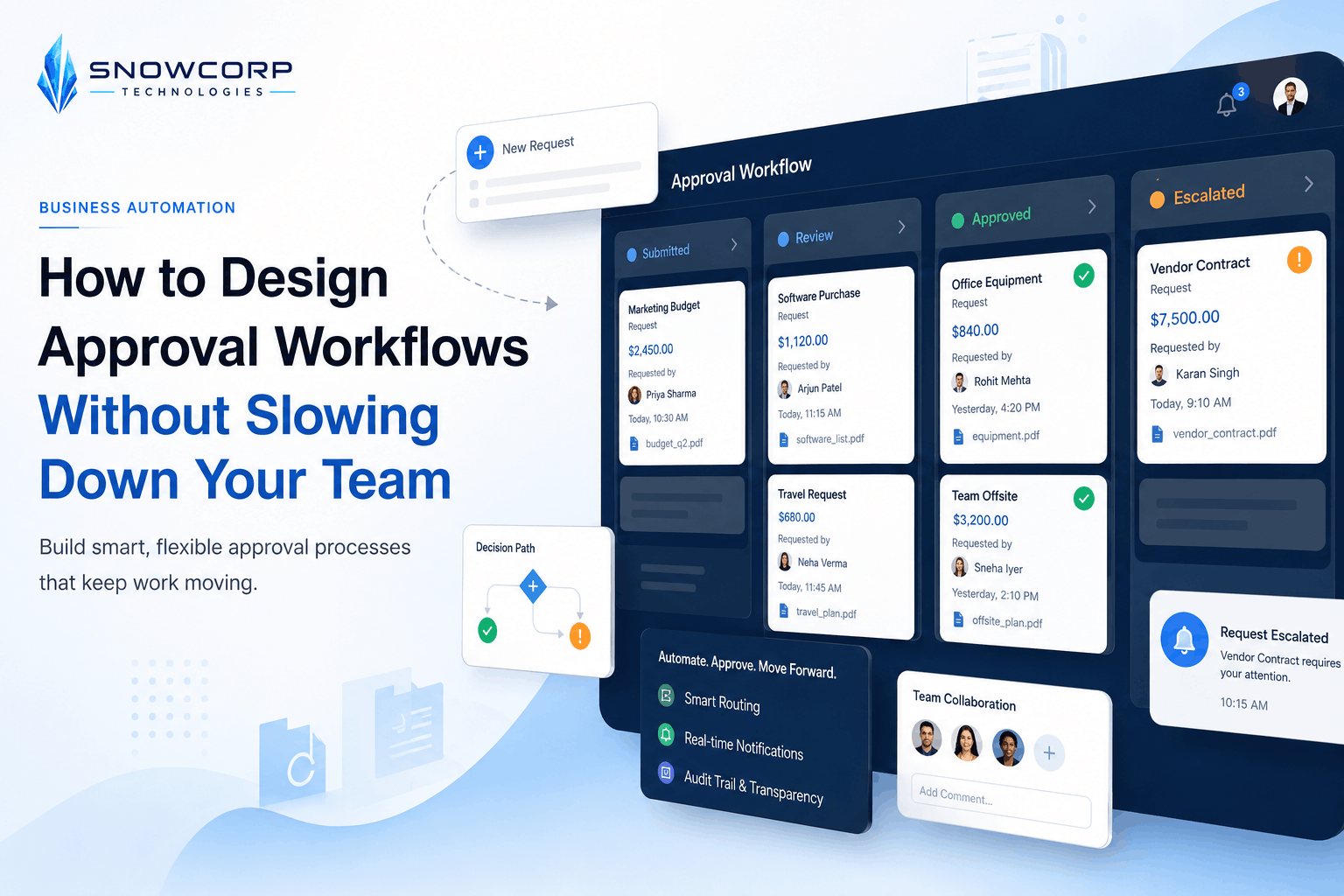
How to Design Approval Workflows Without Slowing Down Your Team
Posted on August 10, 2026 • 6 minutes • 1119 words
Most teams do not have an automation problem first. They have an approval problem.
Requests get stuck in chats, managers approve work too late, team members do not know who owns the next step, and urgent items bypass the process completely. The result is predictable: slower delivery, inconsistent decisions, and frustration on both sides.
A well-designed approval workflow solves this without creating extra bureaucracy. The goal is not to add more steps. The goal is to make the right decisions happen faster, with less follow-up.
In this guide, we will look at how growing businesses can design approval workflows that improve control without slowing down the team.
What an approval workflow should actually do
An approval workflow is a repeatable path that tells your team:
- what needs approval,
- who must approve it,
- what information should be reviewed,
- when the request should move automatically,
- and what happens if someone does not respond on time.
A good workflow reduces ambiguity. Instead of people asking “Should I send this to finance?” or “Did the client change get approved?”, the process already answers those questions.
That matters most when your business is handling:
- sales discounts,
- purchase requests,
- hiring requests,
- leave approvals,
- vendor onboarding,
- reimbursements,
- content publishing,
- campaign launches,
- or customer issue escalations.
Signs your current approval process is broken
You do not need software dashboards to notice approval chaos. Usually, the warning signs are operational.
Watch for these patterns:
-
Approvals happen in multiple places.
A request starts in email, gets discussed in WhatsApp, and is “finalized” in a spreadsheet comment. -
Nobody knows the approval threshold.
The team is unsure when a manager, founder, or finance person needs to step in. -
Urgent work bypasses the process.
People skip the system because the official method feels too slow. -
Requests sit idle with no reminders.
There is no escalation or deadline when an approver does not respond. -
Teams collect the same information repeatedly.
People keep asking for budget, scope, screenshots, client details, or supporting documents after submission. -
Approval does not trigger the next action.
Even after approval, someone still has to manually notify another team, create a task, or update a status.
If two or more of these are happening regularly, your approval workflow needs redesign before you add more automation.
The biggest mistake: copying hierarchy instead of designing flow
Many companies design approvals based only on organization charts.
That usually creates bottlenecks.
For example, if every request must move through the founder, operations head, or finance lead, the workflow may feel controlled, but it will not scale. Senior people become the delay point for decisions that should have been routed automatically.
Instead, design the workflow around decision rules such as:
- request type,
- request value,
- business risk,
- customer impact,
- and exception conditions.
A travel reimbursement under a defined amount should not follow the same path as a new vendor contract. A content piece for LinkedIn should not need the same review process as a legal page on your website.
The more your workflow reflects real decision logic, the faster it becomes.
Build your approval workflow in five parts
1. Define the trigger
Start with the exact event that creates the approval request.
Examples:
- a form submission,
- a CRM stage change,
- a purchase request,
- a content draft marked “ready for review,”
- or a support ticket flagged as high priority.
If the trigger is unclear, the workflow will stay inconsistent.
2. Define the required input
Every approval request should arrive with the information needed for a decision.
For example, a purchase request might require:
- item or service name,
- vendor name,
- cost,
- purpose,
- department,
- urgency,
- and supporting quote.
This prevents decision-makers from turning into data collectors.
3. Define the routing rules
Now decide who should approve what.
Use simple rules first:
- by amount,
- by department,
- by request type,
- by client tier,
- or by risk category.
Keep the routing logic easy to audit. If your team cannot explain the rules in one minute, the workflow is already too complex.
4. Define deadlines and escalation
Approvals fail when time is not part of the design.
Add:
- expected response times,
- reminder intervals,
- backup approvers,
- and escalation rules.
For example:
- first reminder after 6 hours,
- escalation after 24 hours,
- auto-route to secondary approver if primary approver is unavailable.
This turns your workflow from passive tracking into active operations.
5. Define the next action after approval or rejection
An approval should change something automatically.
Examples:
- create a task,
- notify the execution team,
- update the CRM,
- mark a content item as approved,
- send the purchase request to finance,
- or notify the requester with reason for rejection.
This is where approval workflows become genuinely useful. A decision without the next action still leaves manual work behind.
Keep approval workflows fast
Teams often worry that adding approvals will slow everything down. That can happen, but usually because the workflow is too broad.
Use these principles to keep it lean:
- Approve exceptions, not every routine action.
- Set thresholds so low-risk work can move without senior review.
- Use structured forms so approvers review complete requests.
- Limit the number of approvers unless multiple reviews are truly necessary.
- Track approval time so bottlenecks become visible.
- Review rejected requests to improve the submission format or routing rules.
A simple workflow that is followed consistently is better than a perfect workflow that everyone avoids.
Where small businesses should start
If you are a growing business, start with one or two approval workflows that already create friction.
Good starting points include:
- sales discount approvals,
- expense or reimbursement approvals,
- content approval before publishing,
- leave approvals,
- and client change request approvals.
Pick the one that causes the most follow-up, delay, or confusion. Document the current path, simplify the decision rules, and then automate only the repeatable parts.
Approval workflow example
Imagine a marketing team wants to publish campaign content.
A practical workflow could look like this:
- The content strategist marks a draft as ready.
- The workflow checks whether the content type is standard, paid, or compliance-sensitive.
- Standard content goes to the marketing lead.
- Paid campaign content also goes to the budget owner.
- Compliance-sensitive content goes to legal or a final reviewer.
- If no response is received within the deadline, the workflow sends reminders and escalates.
- Once approved, the post is moved to scheduled status and the team is notified automatically.
This is much better than “Please review this when you get time” in a chat thread.
Final thoughts
Approval workflows should protect quality, cost, and accountability without blocking momentum.
If your team is chasing decisions across email, chat, spreadsheets, and meetings, the fix is not just another tool. The fix is a clearer workflow with defined triggers, routing rules, deadlines, and next actions.
Once that structure is in place, automation becomes much easier—and much more reliable.