What to Automate First in a Small Business: A 90-Day Roadmap
Posted on July 20, 2026 • 5 minutes • 936 words
Small businesses usually do not have a software problem first. They have a workflow problem.
Many teams know they are wasting time on repetitive work, but they are not sure what to automate first. So they start with the loudest problem, buy another tool, and end up adding more complexity instead of reducing it.
The better approach is to build a simple 90-day roadmap. Instead of trying to automate everything at once, focus on the tasks that drain the most time, create the most delays, or cause the most avoidable mistakes.
In this guide, we will walk through how a small business can choose the right starting point for automation and create momentum without overbuilding.
Why most automation efforts stall
Automation sounds easy when you look at it from the outside. A few integrations, a few triggers, and everything should run faster.
In reality, automation fails when the underlying process is unclear.
If your team is still managing work through chat messages, spreadsheets, copy-paste handoffs, and inconsistent naming, automation often just makes the mess move faster.
That is why the first goal is not “automate more.” The first goal is “automate the right process in the right order.”
The 3 questions to ask before automating anything
Before choosing a tool or writing a workflow, ask these questions:
- Is this task repeated often?
- Does it consume meaningful team time every week?
- Does it create mistakes, delays, or missed follow-ups when handled manually?
If the answer is yes to all three, that process is a strong automation candidate.
Some common examples include:
- Lead assignment after form submissions
- Proposal or invoice follow-ups
- Customer onboarding steps
- Internal approval flows
- Status updates between sales, operations, and delivery teams
A simple rule for prioritizing automation
Start with tasks that are:
- Frequent
- Rule-based
- Easy to measure
- Painful when delayed
- Low risk if improved step by step
Do not start with highly creative work, sensitive exception-heavy decisions, or processes that no one on the team has fully documented.
For example, automating lead routing is usually a better first move than trying to automate all client communication end to end.
Your 90-day roadmap
Days 1 to 30: Audit the real workflow
In the first month, do not rush into implementation.
Map one business process from start to finish. Write down:
- Where the work starts
- Who touches it
- Which tools are used
- Where delays happen
- Where duplicate entry happens
- What usually gets forgotten
At this stage, you are looking for bottlenecks, not perfection.
A useful test is this: if one team member goes on leave for three days, does the process still move forward smoothly? If not, the workflow depends too much on memory and manual coordination.
Days 31 to 60: Automate one narrow process
Choose one workflow with a clear trigger and a clear outcome.
Good first projects include:
- New lead comes in -> assign owner -> notify team -> create follow-up task
- Payment received -> update status -> notify operations -> start onboarding
- Form submitted -> validate details -> send confirmation -> add to CRM
Keep the scope narrow. The goal is not to build a perfect system. The goal is to remove one repeated manual burden and prove the value quickly.
Days 61 to 90: Measure and expand carefully
Once one automation is live, measure what changed.
Track:
- Time saved per week
- Response speed
- Error reduction
- Number of manual handoffs removed
- Visibility for managers and team members
Then decide the next step:
- Add another simple automation
- Integrate existing tools more cleanly
- Standardize the workflow further
- Build a custom internal tool if your process is now clearly outgrowing spreadsheets and patchwork apps
What should you automate first?
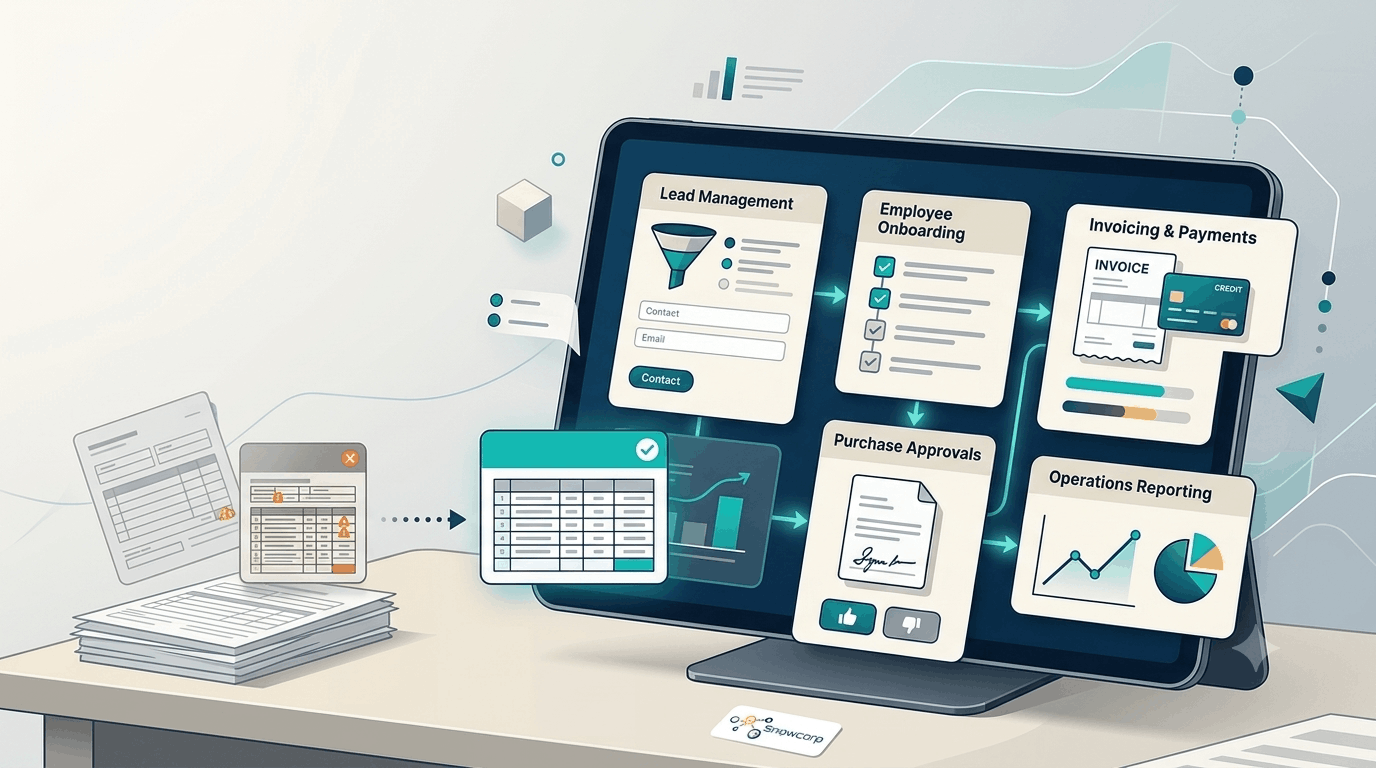
Most small businesses should begin with one of these areas:
1. Lead management
If leads come in from forms, WhatsApp, email, ads, or referrals, routing and follow-up should not depend on someone remembering to act.
2. Customer onboarding
If every new customer needs the same documents, approvals, setup steps, or welcome communication, automation can reduce delays and create a more professional experience.
3. Invoicing and payment updates
Manual reminders and status checks waste time and create avoidable friction between teams.
4. Internal approvals
Leave requests, discount approvals, purchase requests, and content approvals are often slow because ownership is unclear.
5. Reporting and status visibility
If managers are asking for updates in chat every day, your workflow likely needs better automation or a simple internal dashboard.
Signs you are choosing the wrong first project
Pause if your first automation project depends on:
- Too many exceptions
- Unclear process ownership
- Constant manual overrides
- Multiple disconnected sources of truth
- Team disagreement about what “done” means
That usually means the process needs cleanup before automation.
Automation, integration, or custom software?
As your business grows, the right next step may change.
- Use automation when the process is repetitive and the rules are clear.
- Use integrations when the problem is that tools are not sharing data properly.
- Use custom software when the workflow is important to your business and off-the-shelf tools keep forcing compromises.
The right answer is not always “build more.” It is “remove friction in the simplest way that scales.”
Final thought
A good automation roadmap does not begin with features. It begins with operational clarity.
If your team starts with one documented process, automates one painful bottleneck, and measures the result, you will make better technology decisions over the next 90 days than most companies make in a year of random software purchases.
The smartest first automation is usually the one that saves time every week, reduces avoidable mistakes, and makes work easier for the whole team to see and manage.